Terminal Leave 0.3.0: doors, bases and the battle on a phone
Doors and gates, buildings under their roofs, the battle on a phone, the “Gas Station” demo, bases and a shop with used weapons.
Maps now have doors and gates, buildings stand closed under their roofs, and a round’s plan can hold more orders than there is time to carry out. The whole battle can be played on a phone, and the demo has a new map, “Gas Station”, with step-by-step hints. The cabinet got bases, notifications and an account reset. The shop’s stock is now limited, and a used goods section has opened next to it. The client and the server both run faster.
Battle
- Doors and gates. A door can be opened by hand, or from a panel or a computer linked to it. Under the fog of war you cannot see whether the enemy has opened a door. You can plan a route straight through a door your side has ordered open.
- A plan longer than the round. A plan can hold more orders than fit into the round. The spare orders run if an earlier one is dropped (for example, when the target is already down). In the same way you can order more shots than the weapon can fire in a round, and a move there was no time for stays in the plan as a reserve.
- Firing from behind cover. A soldier lying behind cover cannot fire over it: the aim panel shows 0% and suggests getting up on one knee. A shot round a corner can only be taken standing, while a look round a corner works in any posture.
- Buildings under their roofs. Houses now stand with their roofs on, as in X-COM. The rooms are shown when one of your soldiers is inside, or when you point the camera or the cursor at the house. The button with a little house under the floor switch turns this on and off.
- The whole squad’s plans. Thin lines on the field show the plans of all your soldiers, not only the selected one. While a round plays out, the plan panel shows its progress with a playhead.
- Burst fire. Every bullet of a burst has its own muzzle flash, the recoil kicks the barrel up, and the hits fan out.
- Keys in tooltips. Button tooltips now show the assigned key: fire, reload, inventory, overwatch, posture, move mode, floors, camera, end of turn. Rebind a key and the tooltip changes at once.
- Inventory. By default grenades and medkits go to the belt, magazines to the pockets, and the backpack is filled last. After a battle, spent grenades and medkits are restocked from the warehouse into the same cells.
The “Gas Station” demo battle
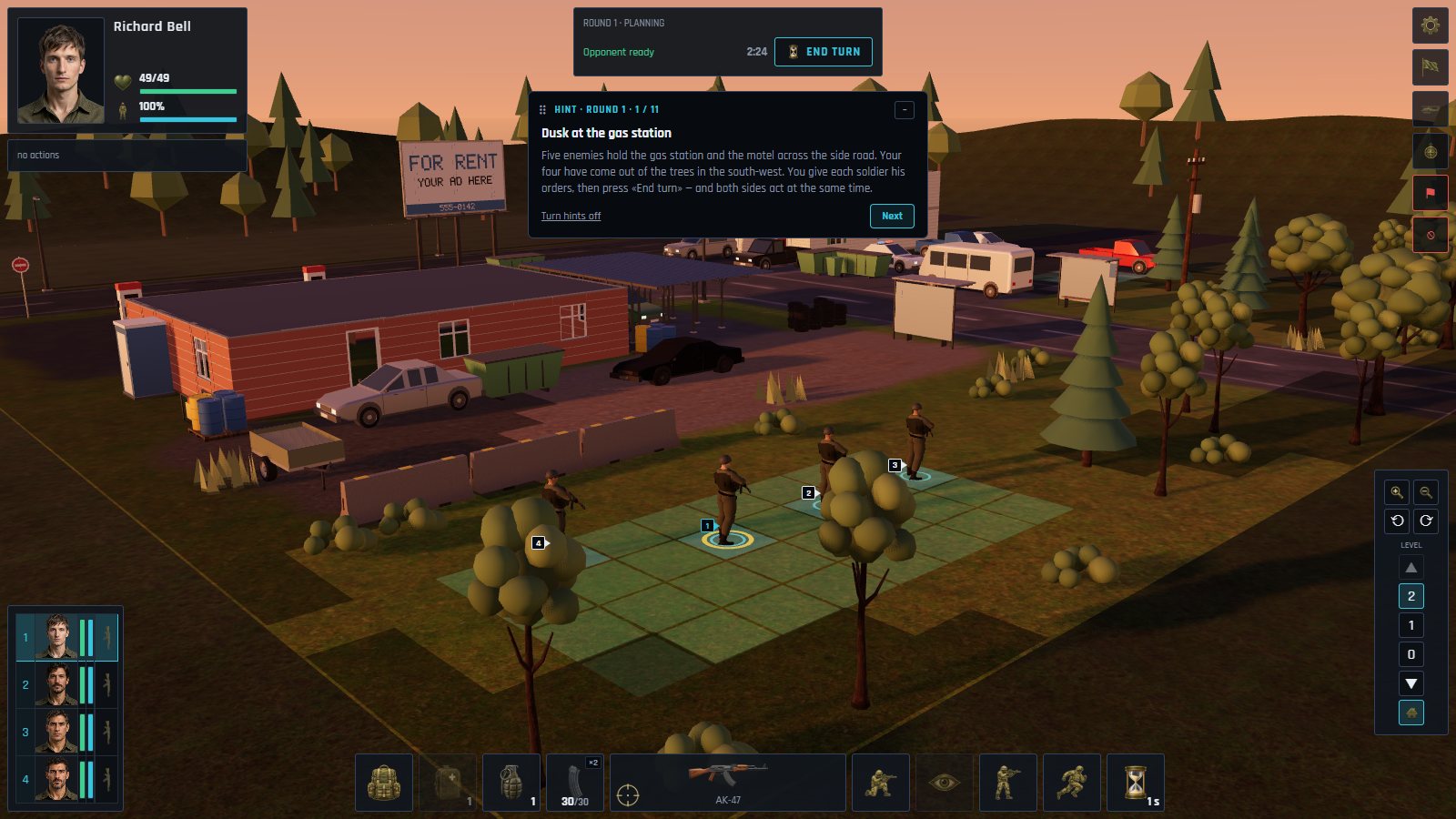
The new demo battle is played on a 36 × 36 map: a gas station, a car wash and a two-storey motel by a highway. Four against five, live rounds, dusk.
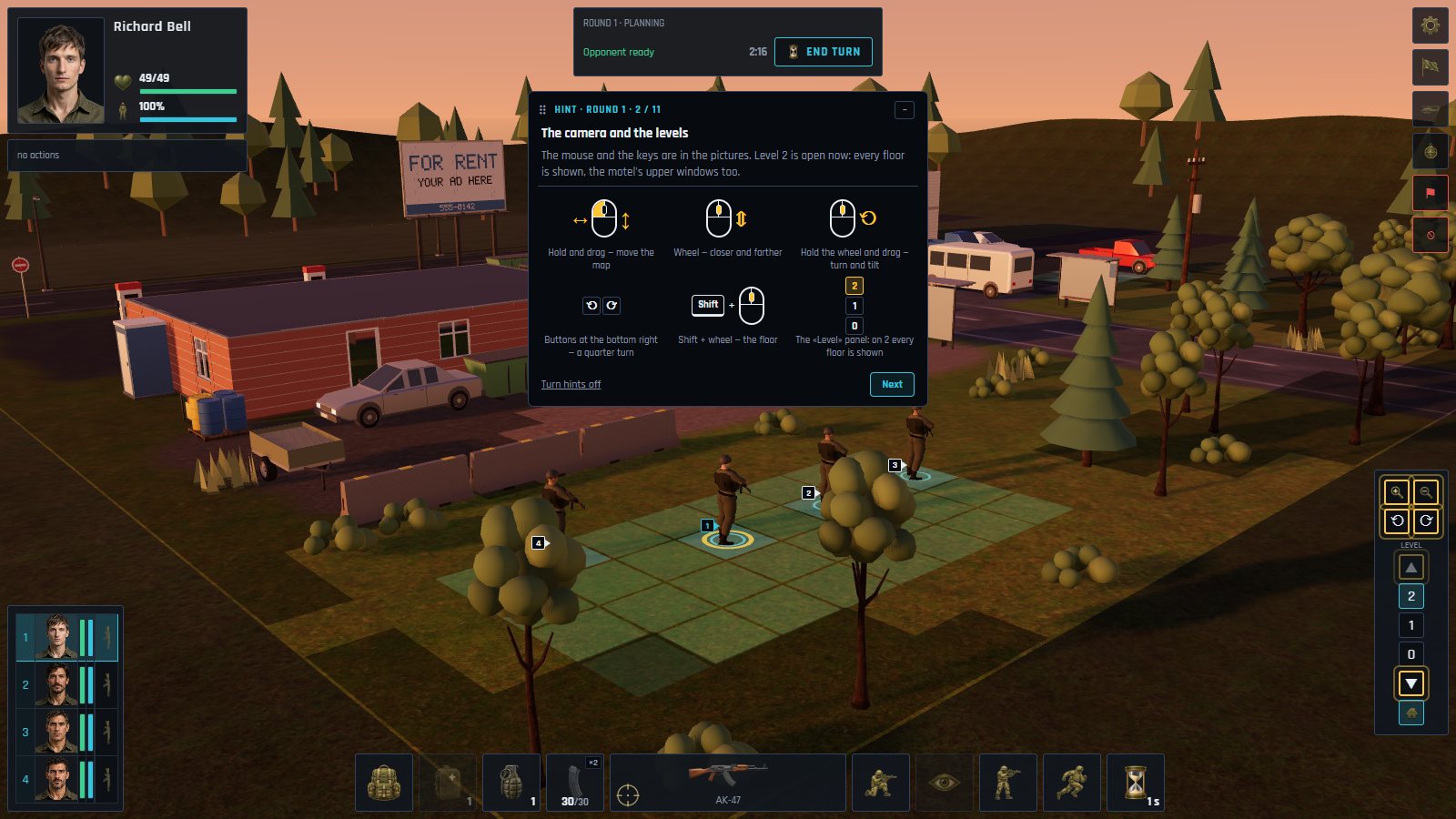
In the first rounds the hints explain every step: which soldier, which cell, which order. The right cell is highlighted and the right button pulses. The hint card can be dragged or folded, and the hints can be turned off. The camera and the floors have a hint of their own, with a picture. After the opening rounds the battle goes on without hints.
The demo needs no signup.
The battle on a phone
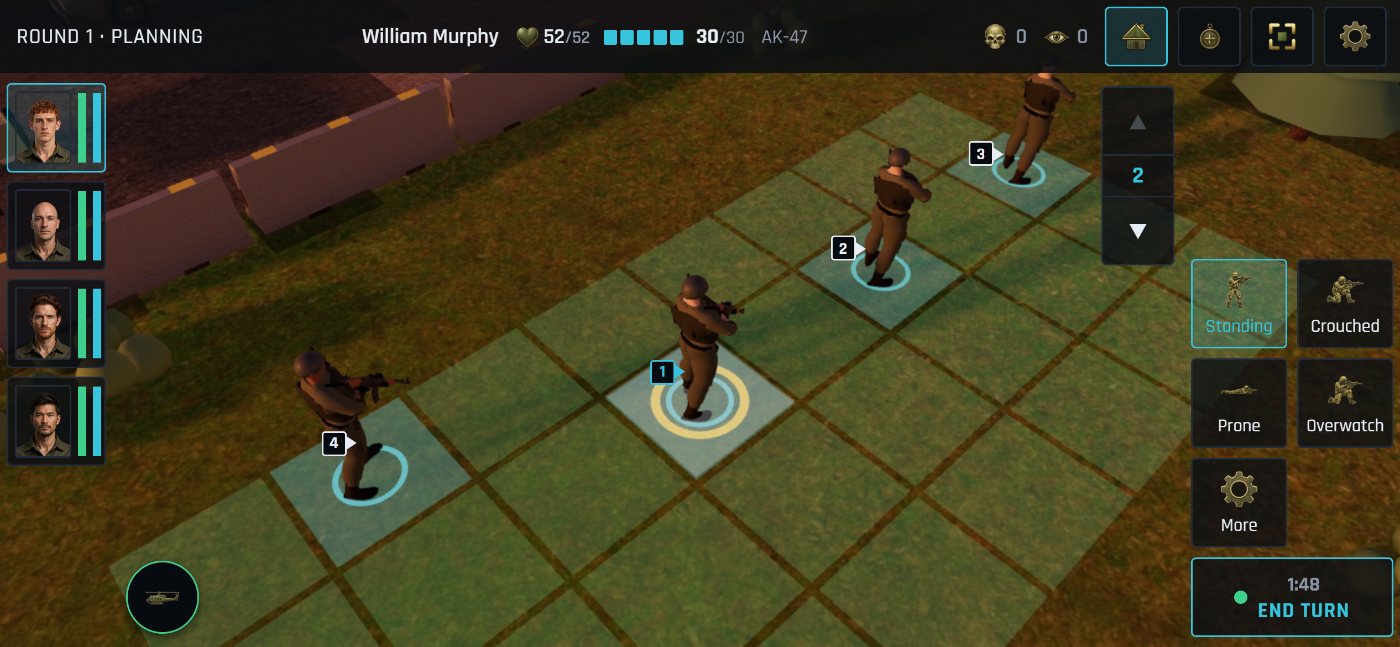
- The whole battle can be played on a phone, upright or on its side. Every order is given by touch, and the first tap on the map shows the order it would give without giving it.
- Two fingers turn and tilt the camera. Fire modes open in a circle round the enemy, cell orders round the cell. The soldier’s list of orders is on screen, and the last order can be undone.
Cabinet
- Bases. Soldiers, the squad, fireteams and the warehouse now belong to a base. There is one base for now; this is groundwork for later.
- Notifications. The bell in the top bar tells you that a soldier has gone missing in action, that he has come back, or that a missing soldier was seen on the veteran market. You choose which notifications to get in the settings.
- Account reset. In the settings an account can be returned to the state right after signup: new starting soldiers, an empty warehouse, starting credits. The login, e-mail and callsign are kept. The reset is confirmed by a code from an e-mail and is available no more than once a day.
- Statistics on the home screen. Operations, wins, losses and enemies neutralized count real battles only; training is shown separately.
- Warehouse. A stack’s card has “Sell all” and “Repair all” buttons, and a list where each item can be sold, repaired or dismantled on its own.
Shop
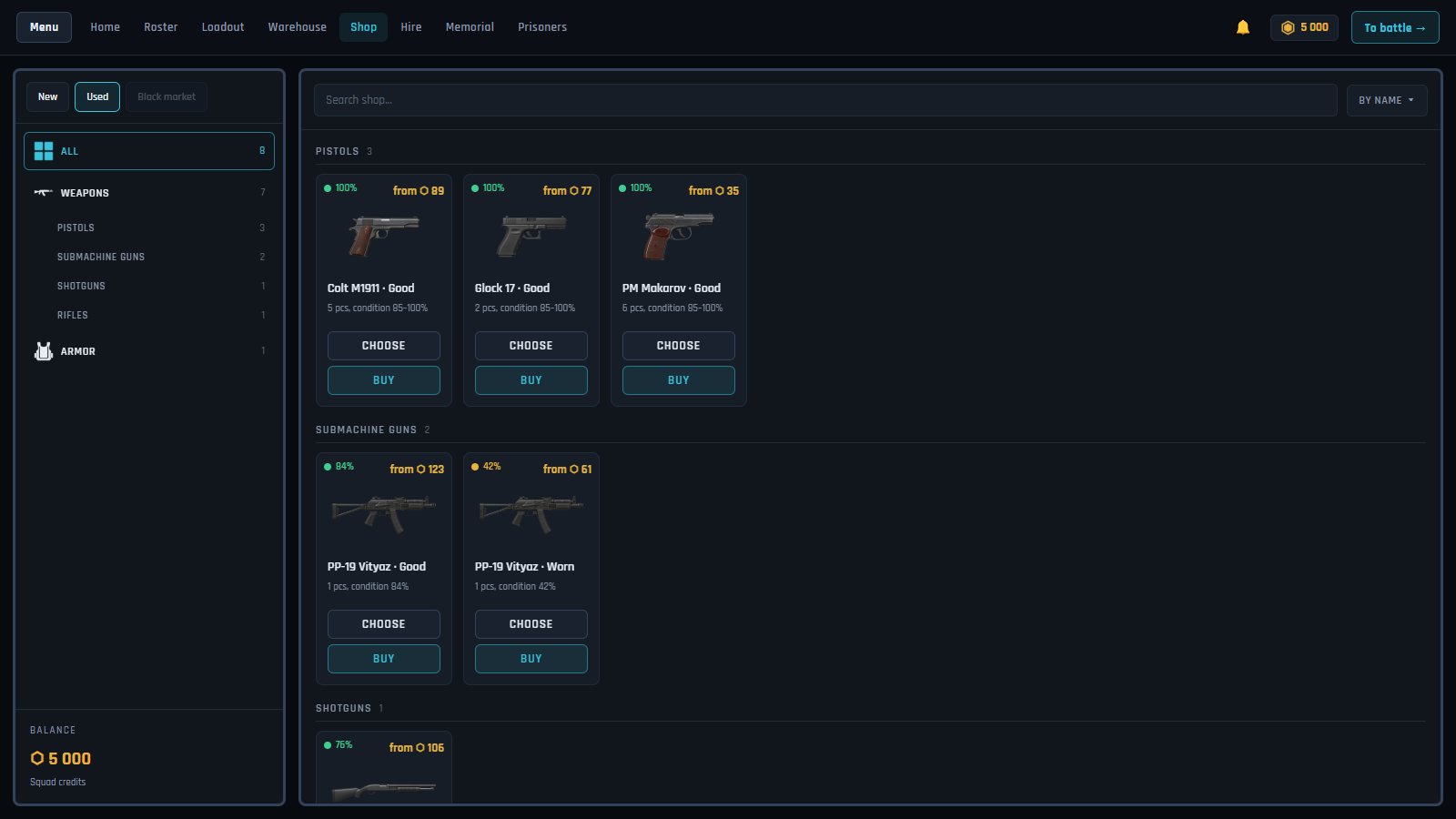
- Limited stock. Weapons, armor and gear now have a stock in the shop, refilled by deliveries. Ammunition is still unlimited. The stock is shown on the item’s card, and zero is marked red.
- The “Used” section. It was made first of all so that weapons lost in a defeat do not disappear. Until now such named weapons were simply deleted. Now they go to the “Used” section together with what players sell from their warehouses, and every single weapon, like every soldier, has a value of its own. It also makes equipping a soldier cheaper: the price is 70% of a new item’s, adjusted for condition. A used weapon keeps its serial number, its history and the name its previous owner gave it. “Just buy” takes the best unit, “Choose” opens the list. Search, sorting and categories work the same way as in the main shop.
- Buying several at once. One item can be bought in several units at a time.
- The AI’s gear. The AI’s soldiers also take their weapons and armor from the shop, used ones first. The gear of the fallen stays on the battlefield and in time reaches the “Used” section.
Optimization
- Battle loading is faster.
- Battle graphics on the client: levels of detail (LOD) added, polygon counts reduced.
- The battle server is faster.
Fixes
- Fixed a bug where soldiers placed on the second floor at the start of a battle ended up on the first.
- Fixed a bug where a cancelled training battle stayed in the cabinet with the status “pending”.
- The loading screen shows how much of the map has been loaded.